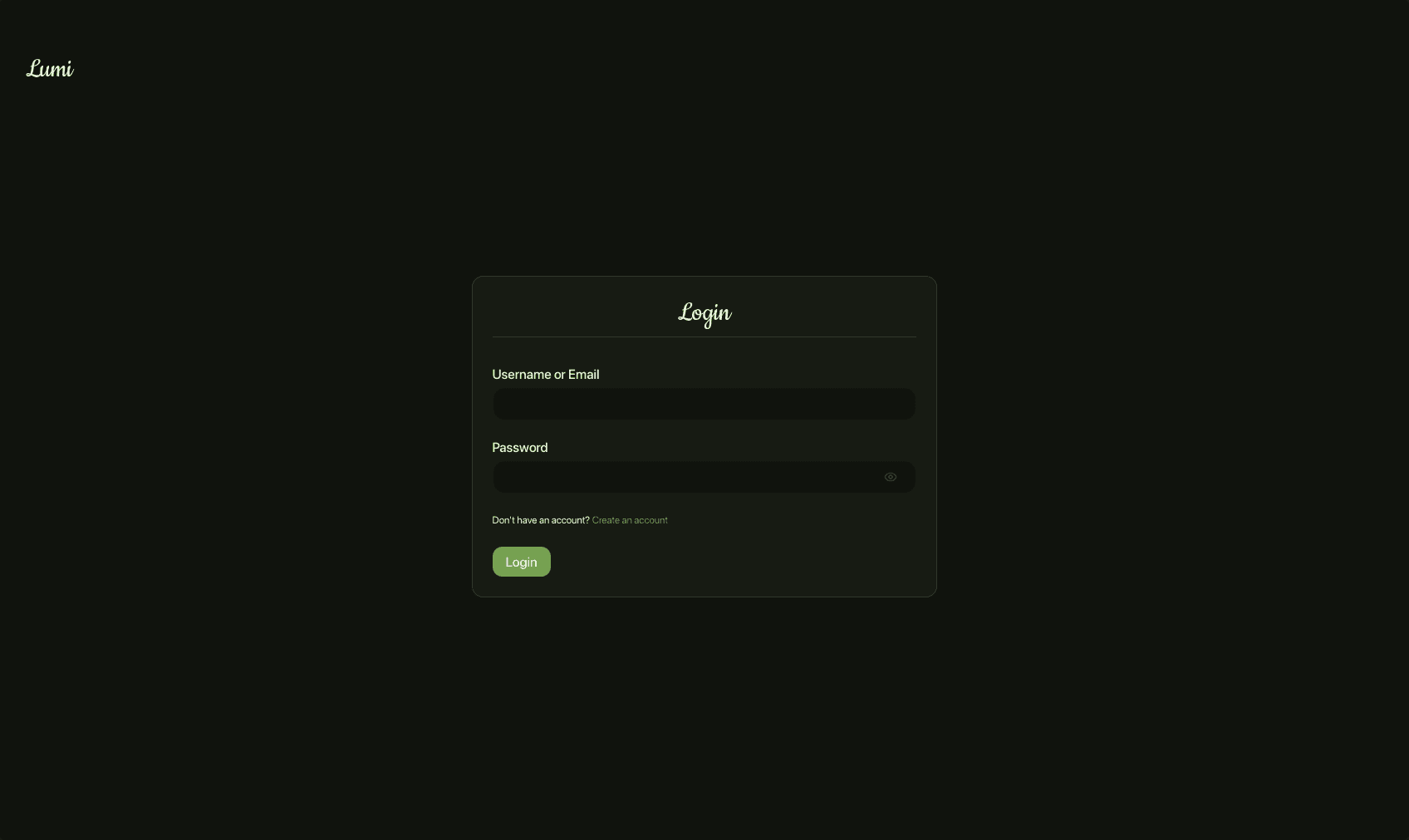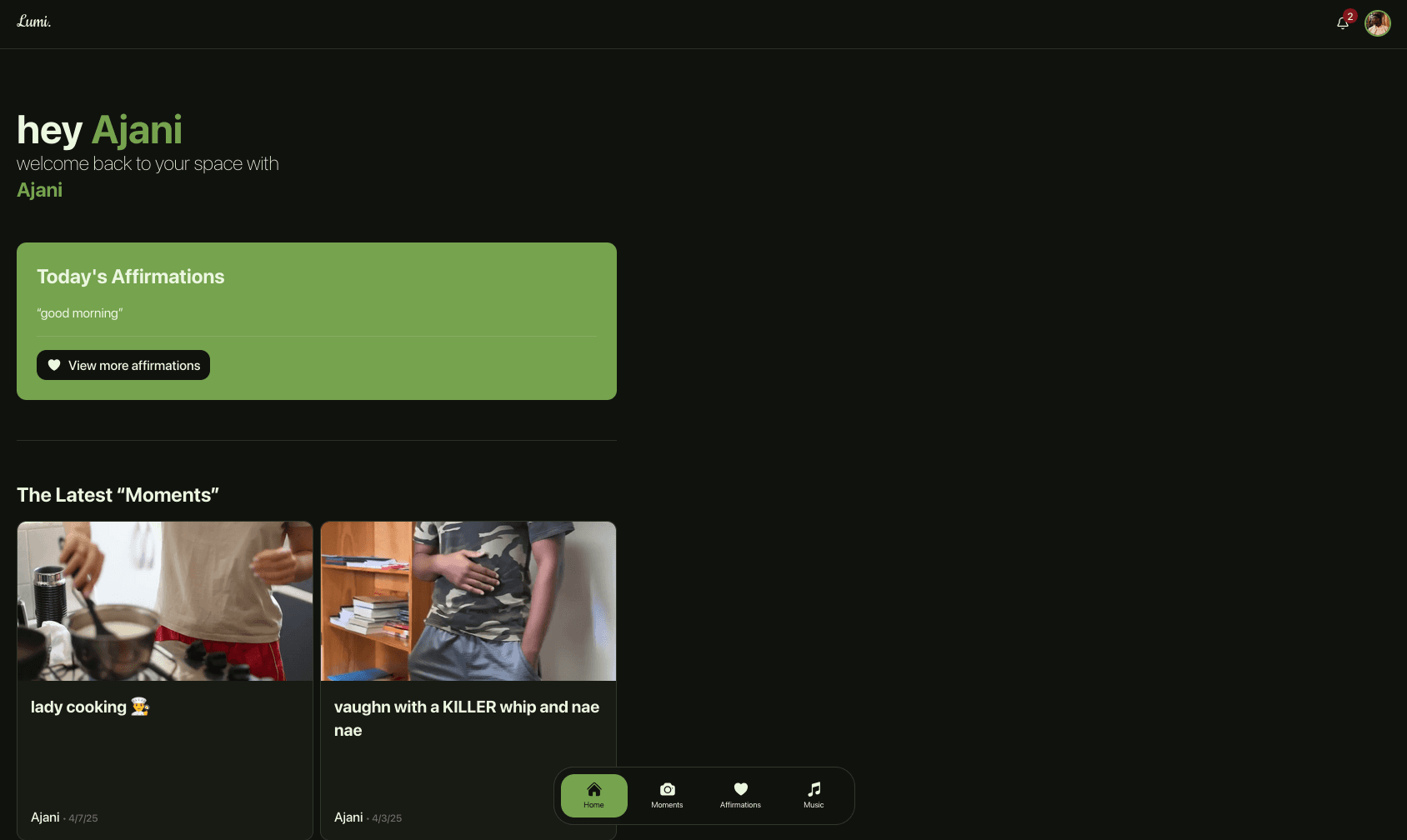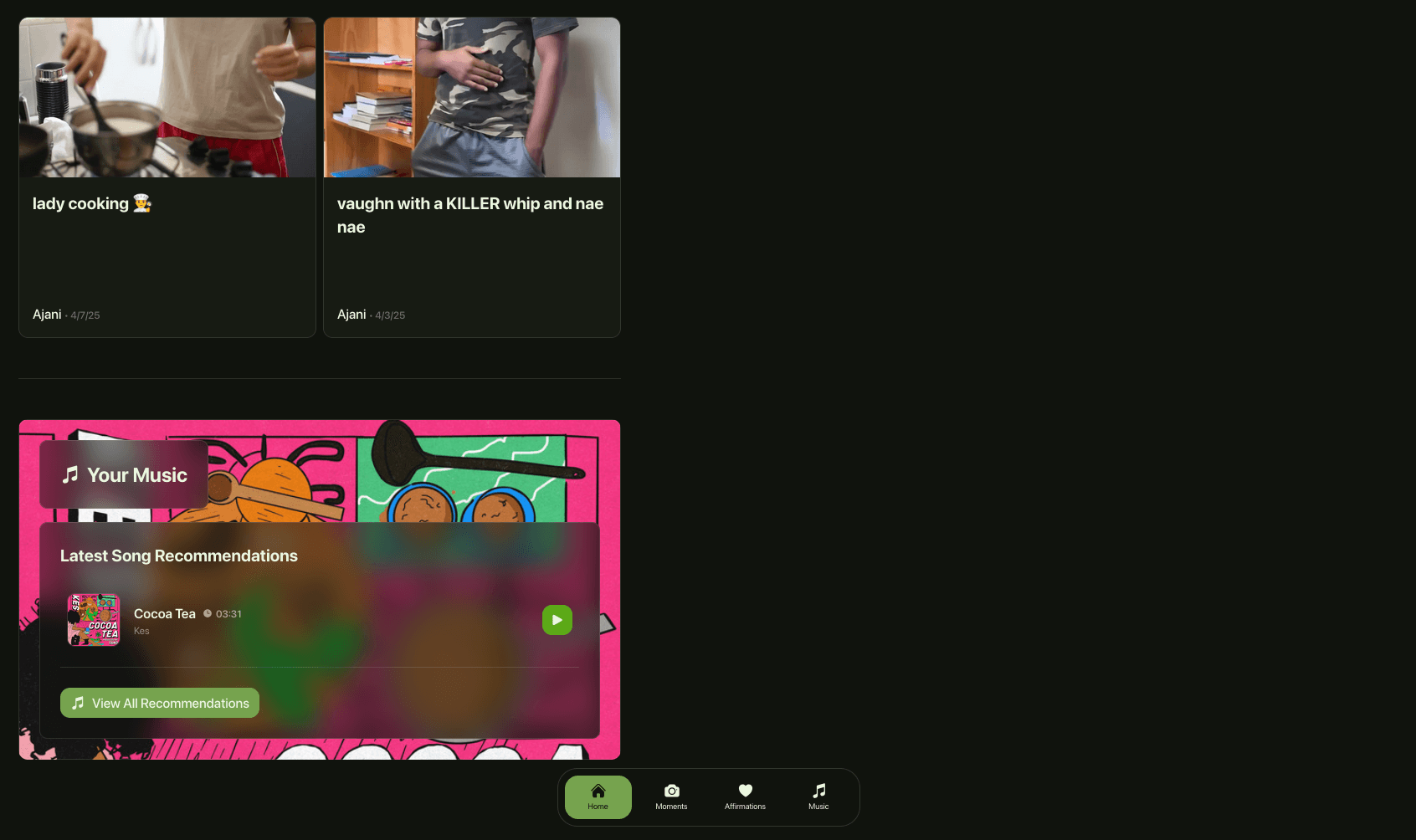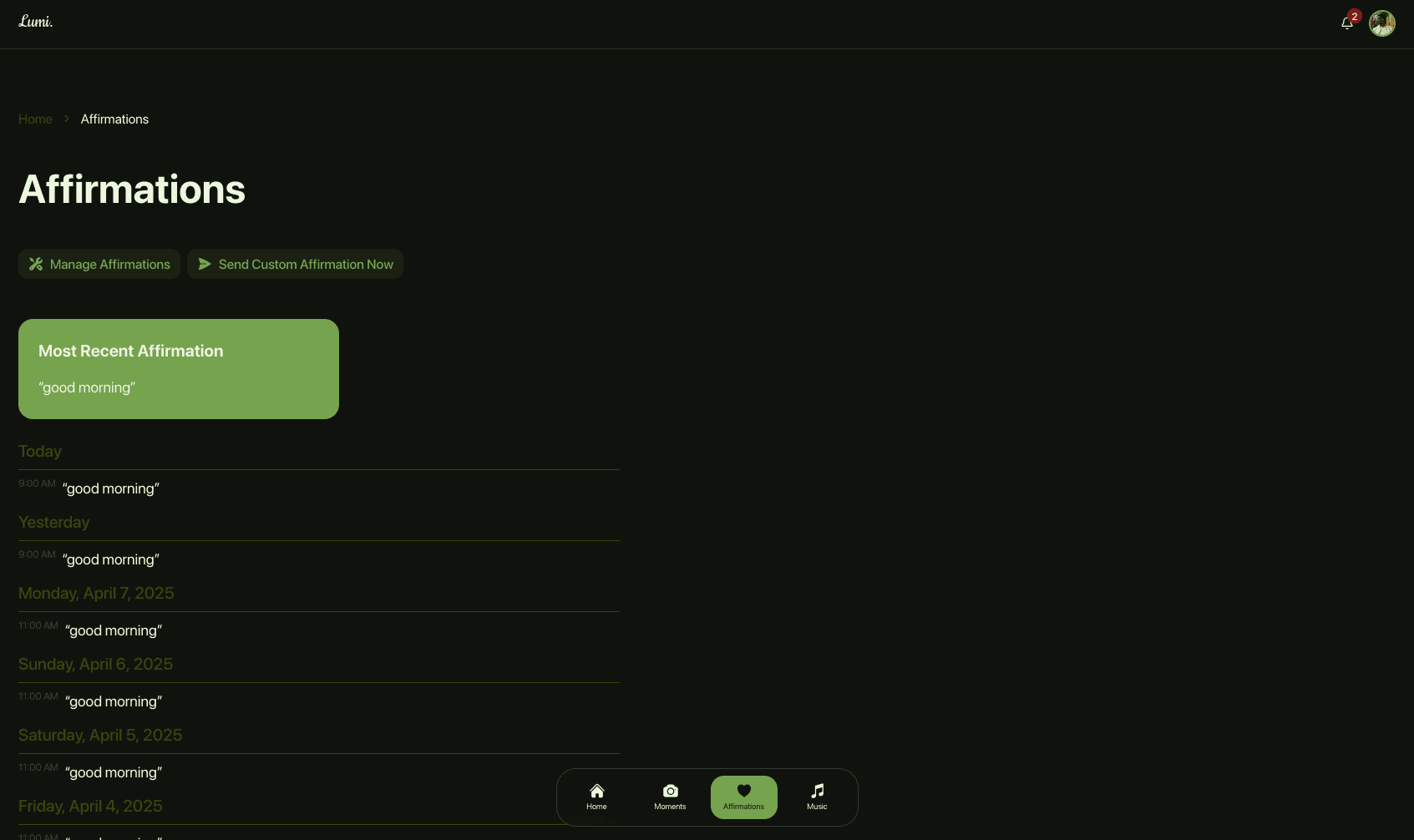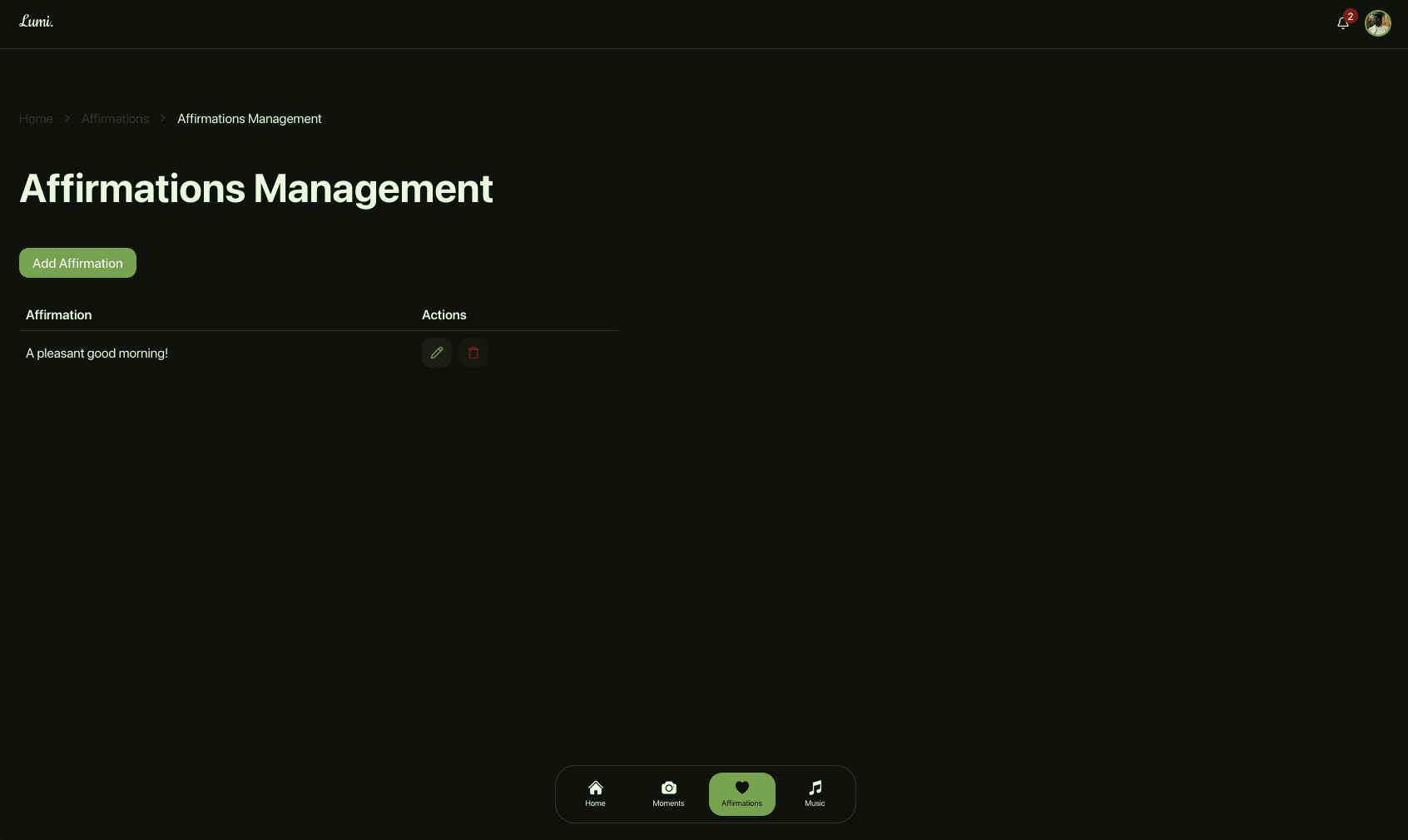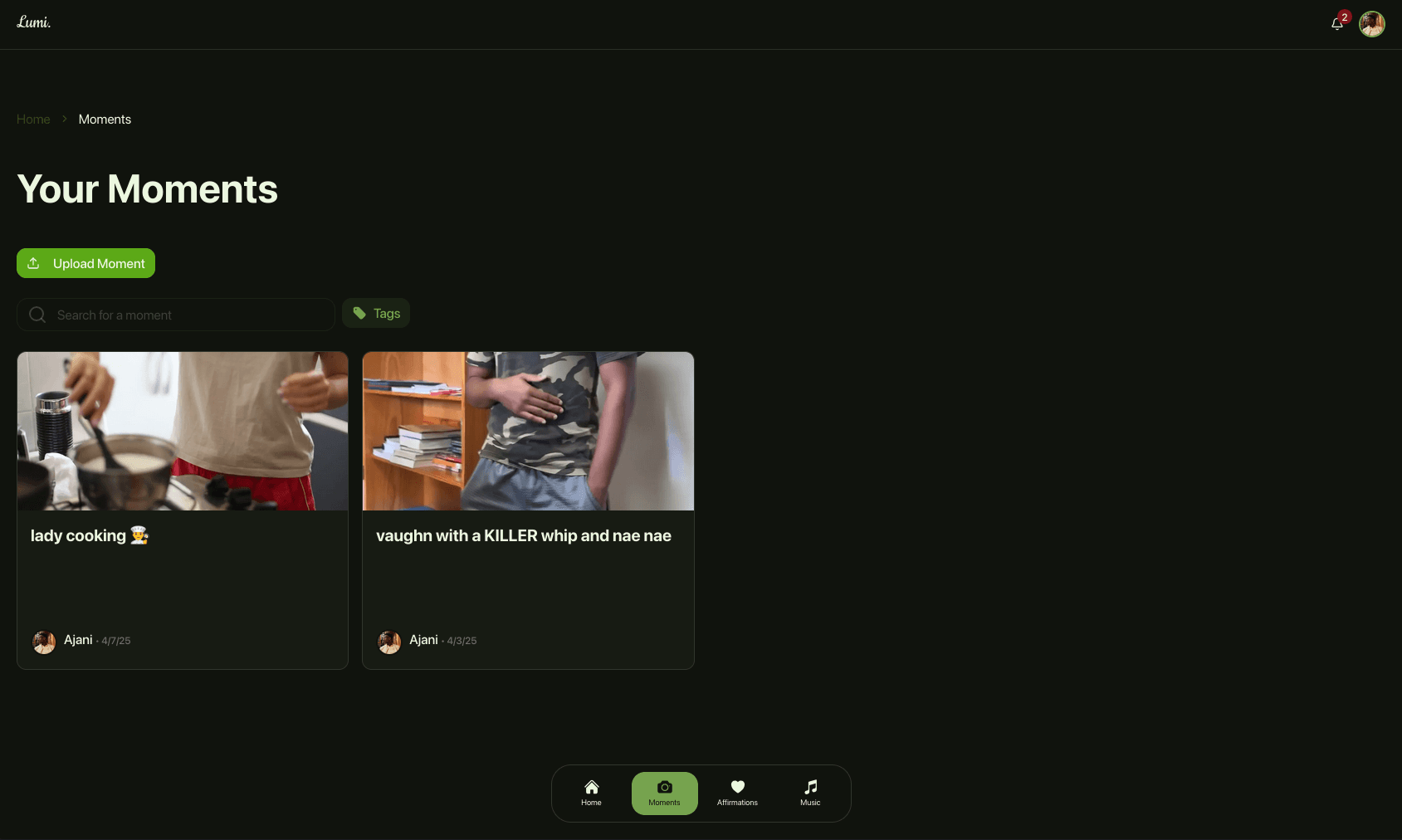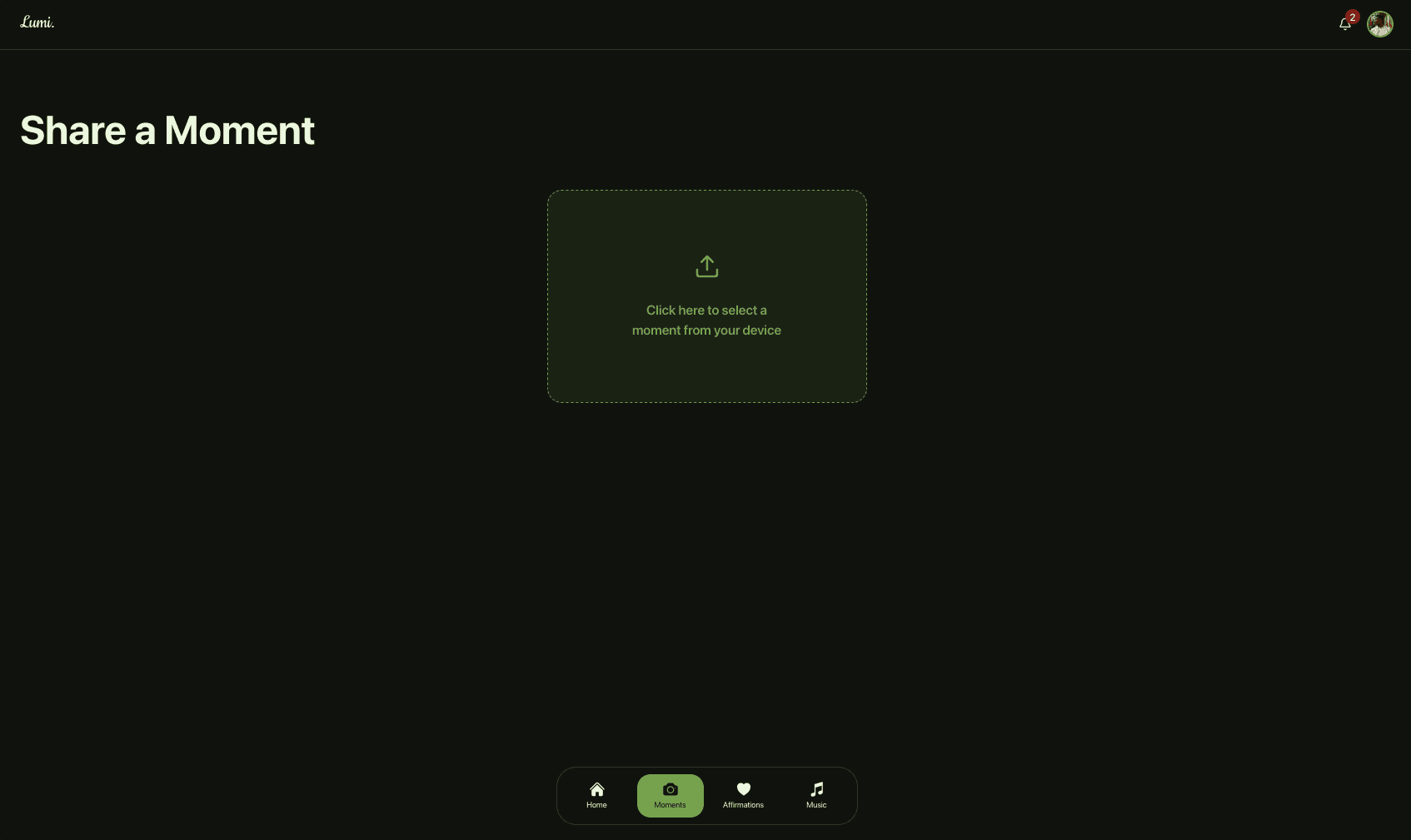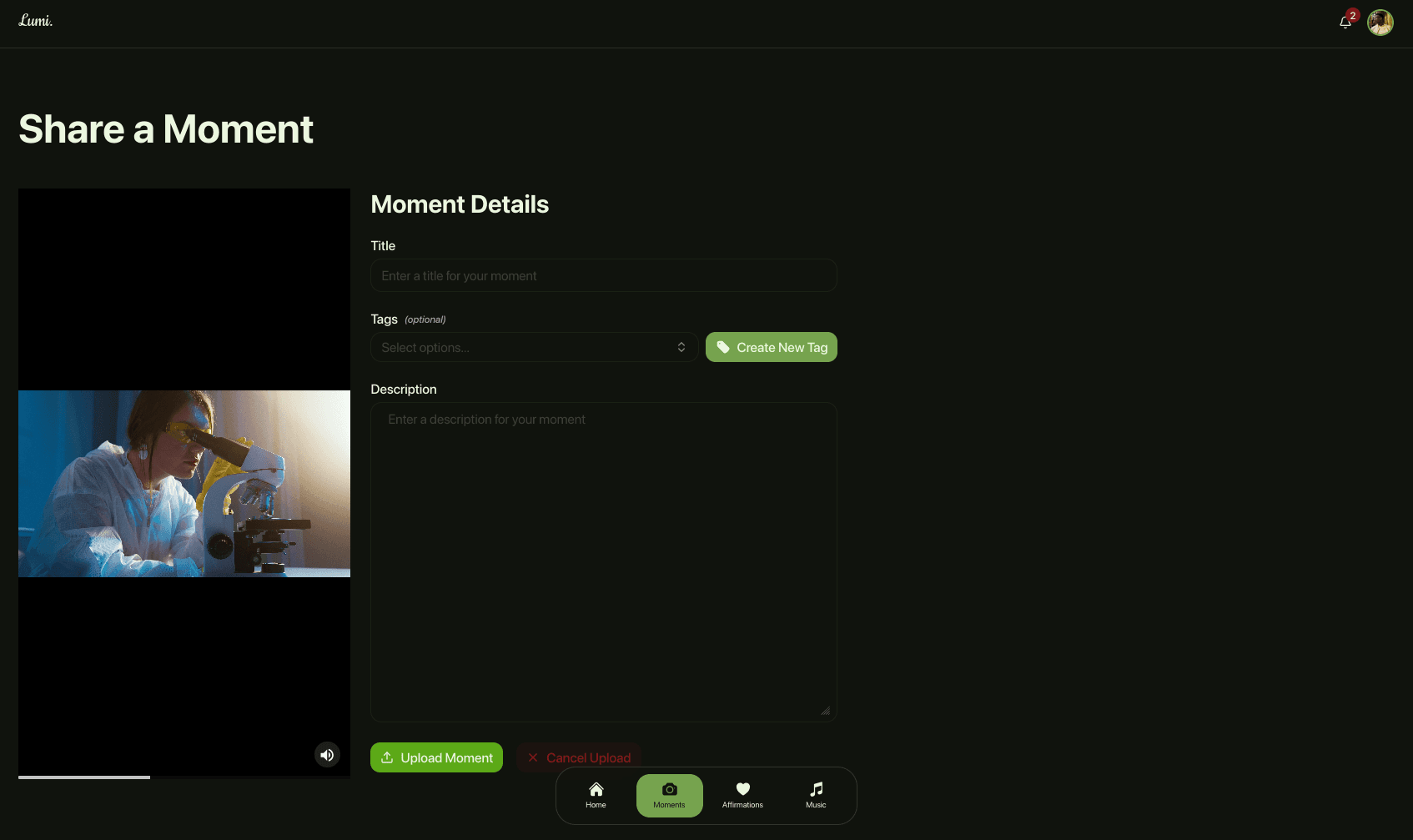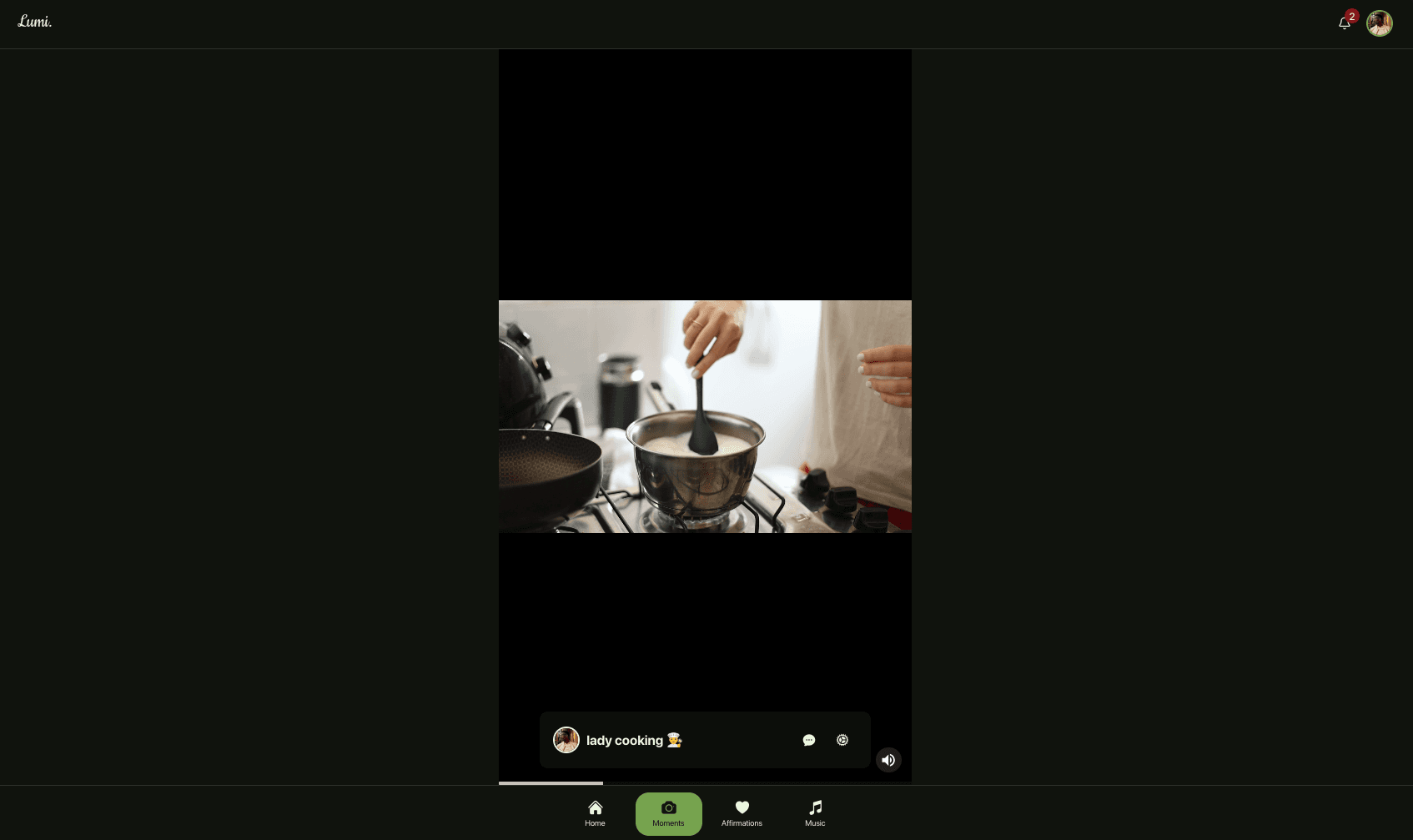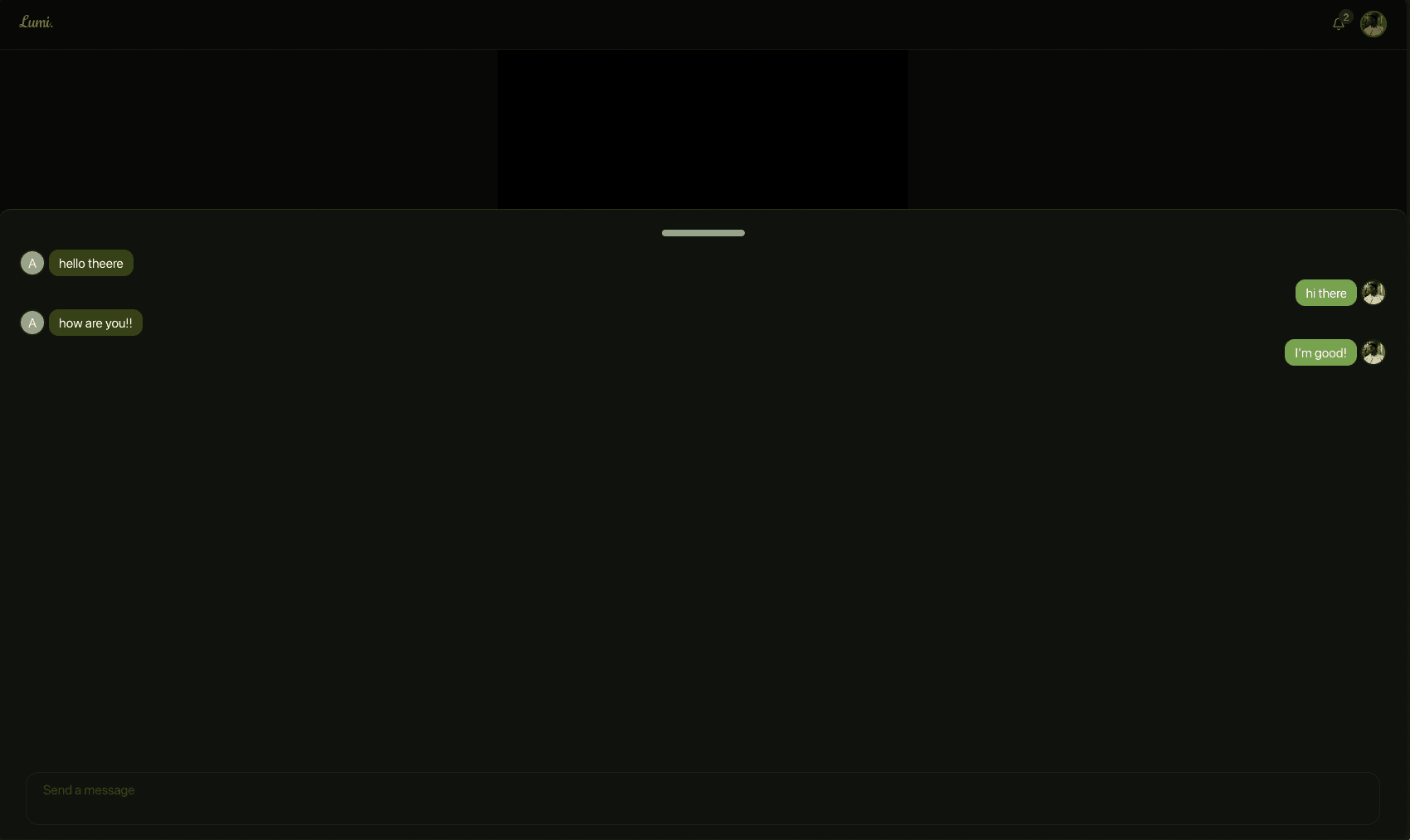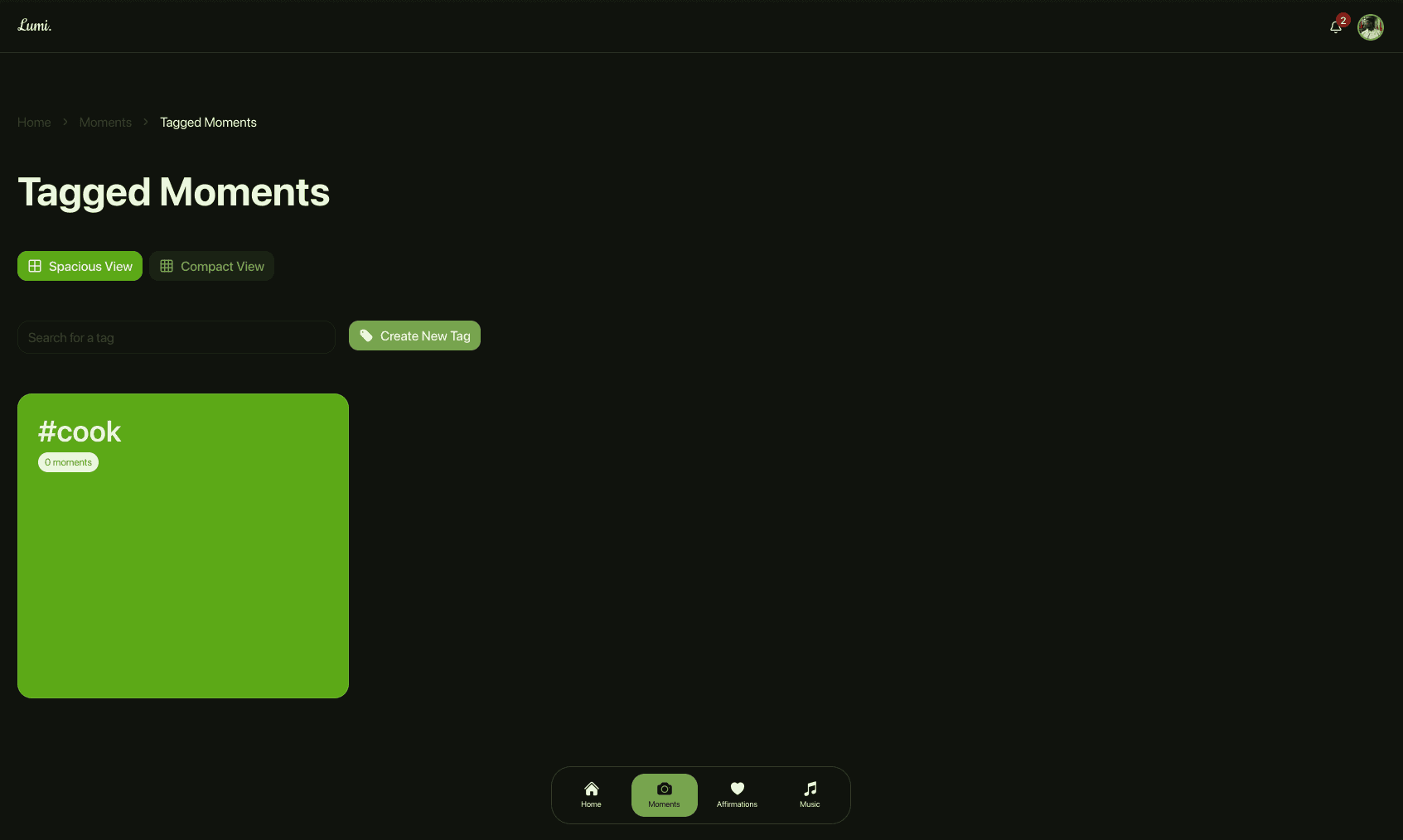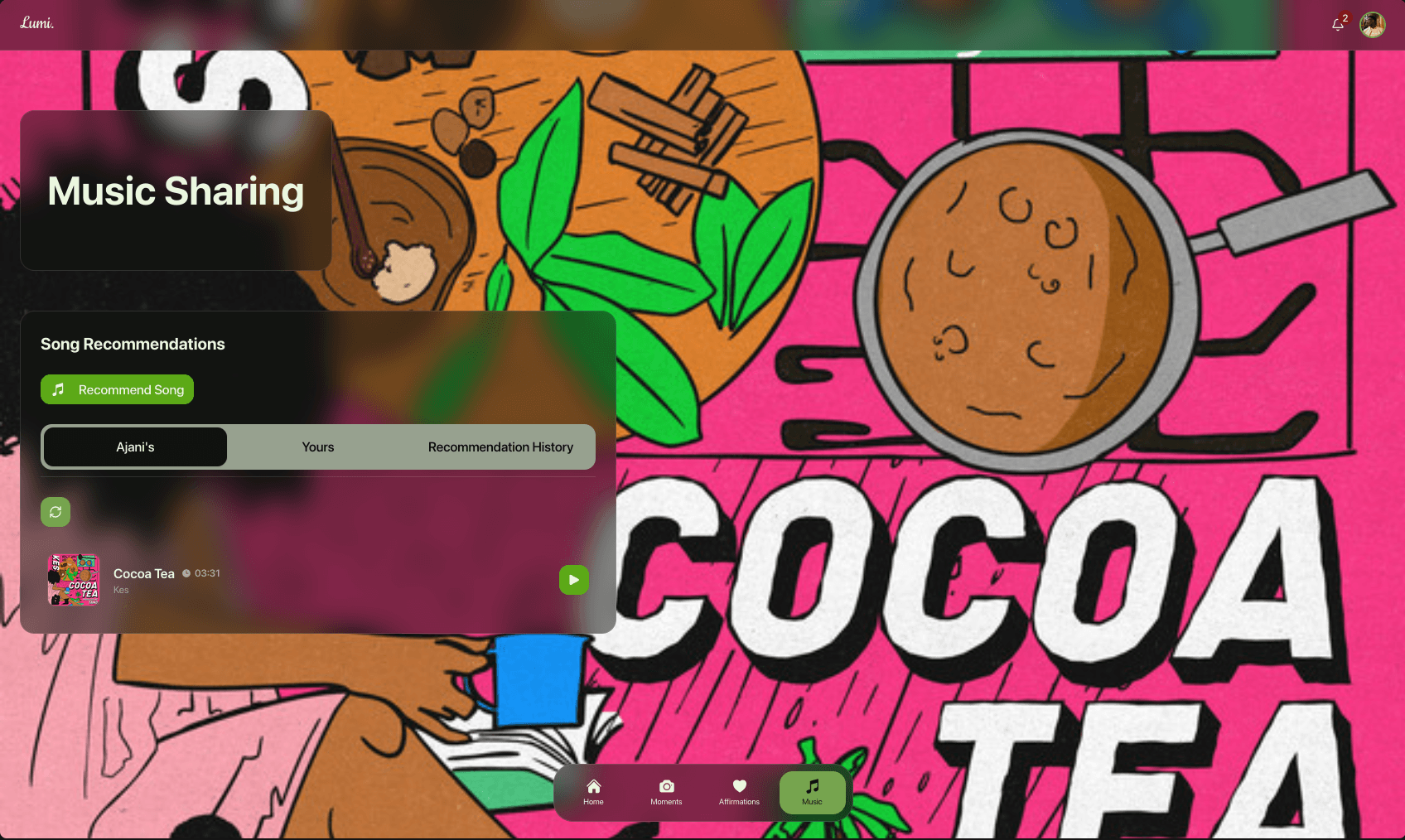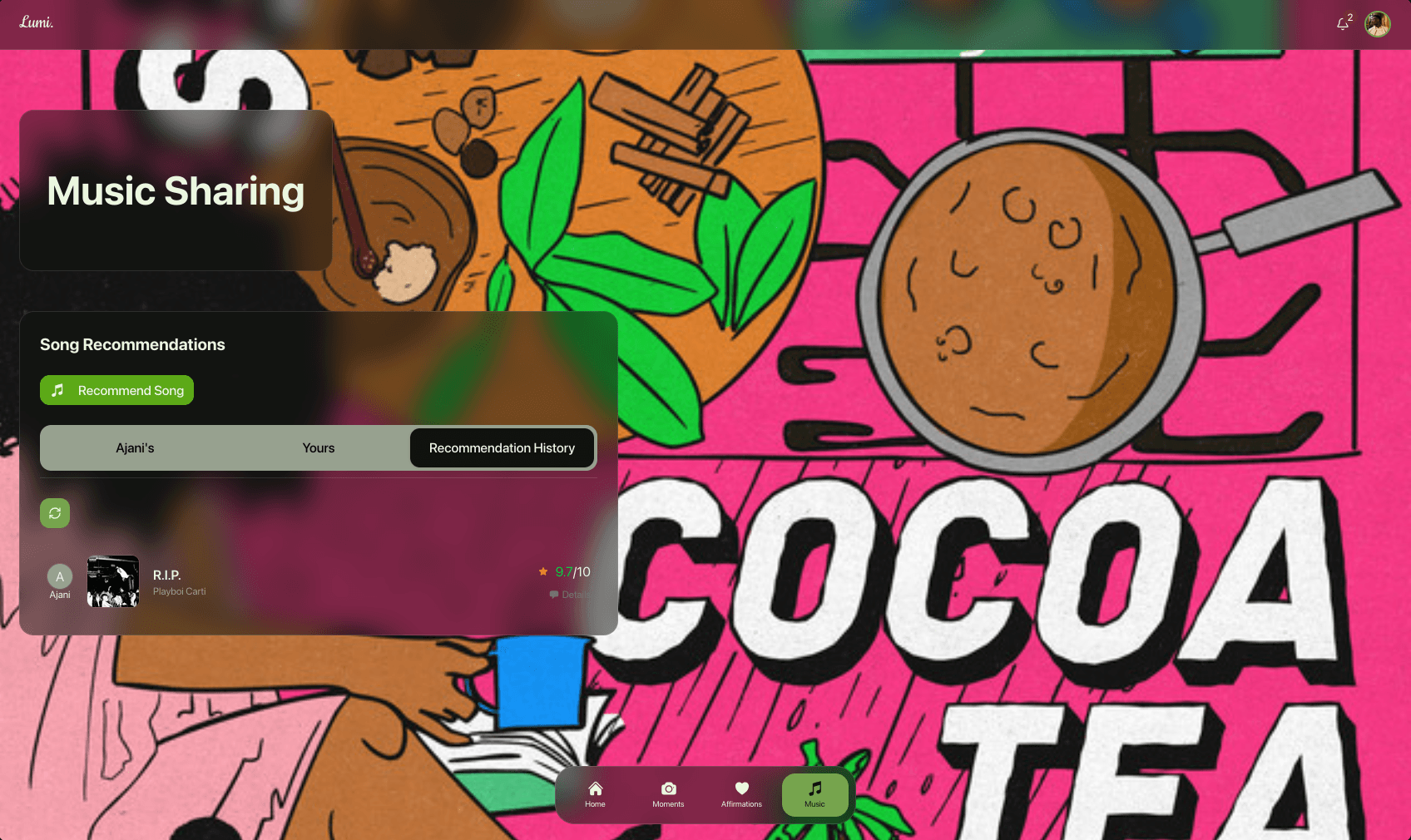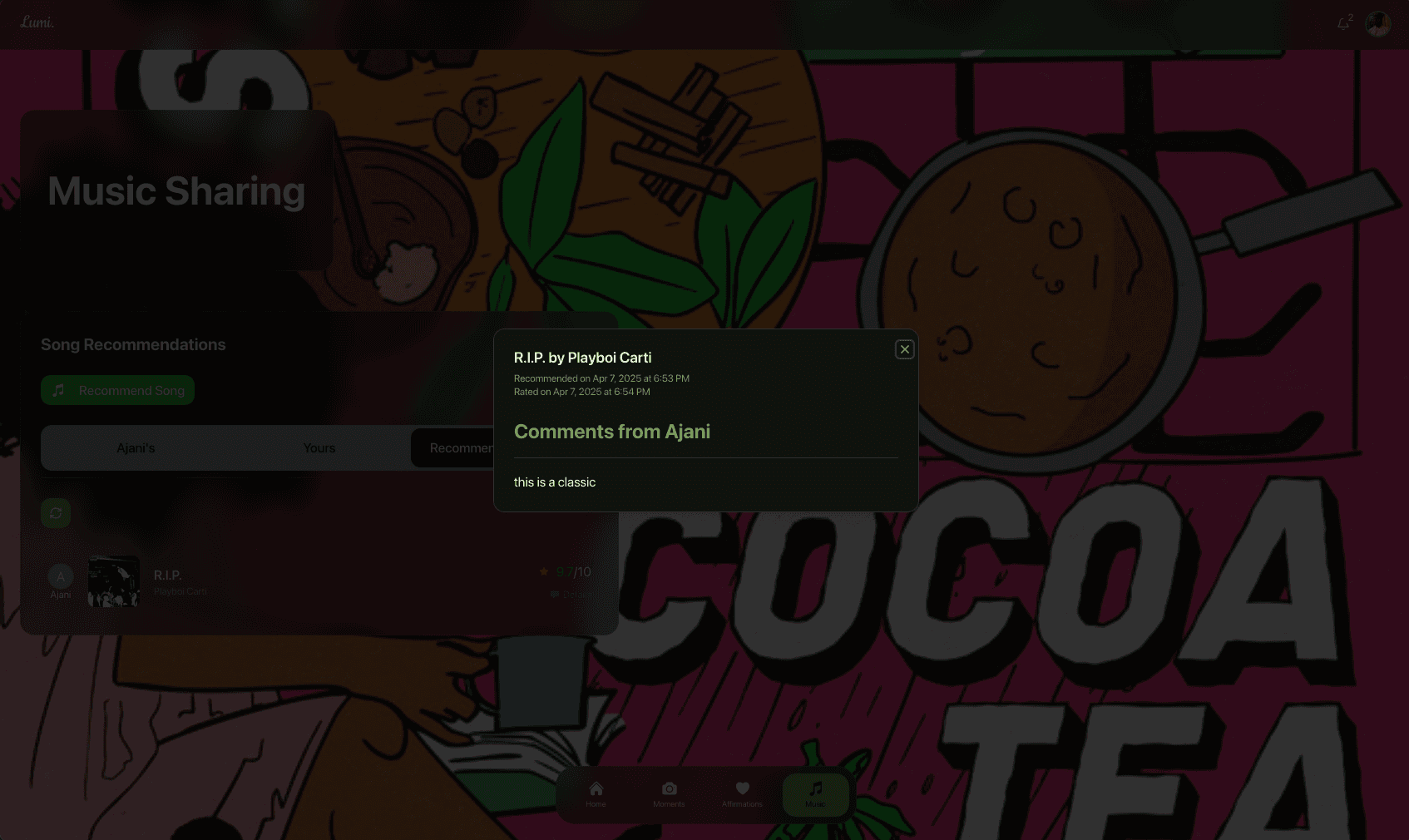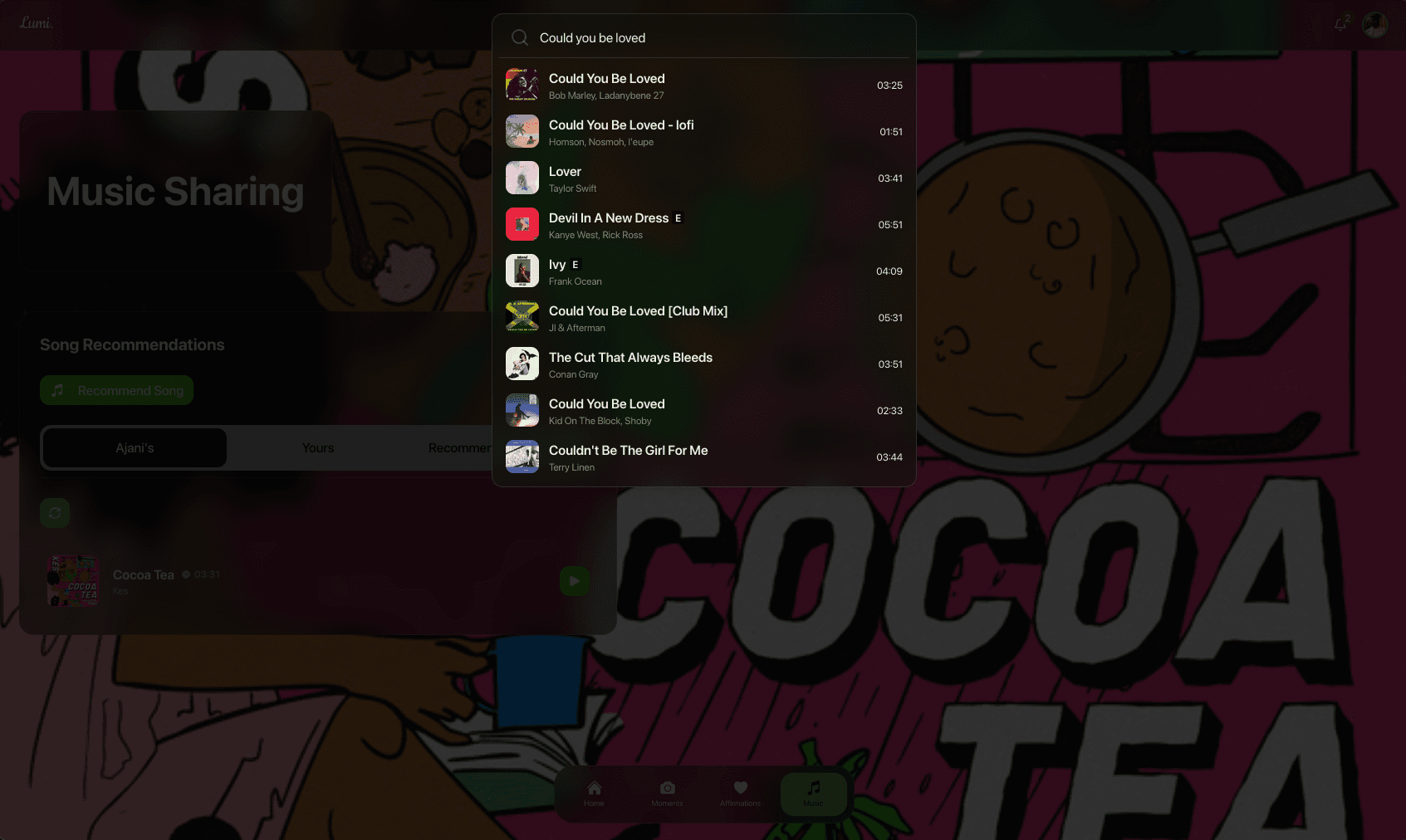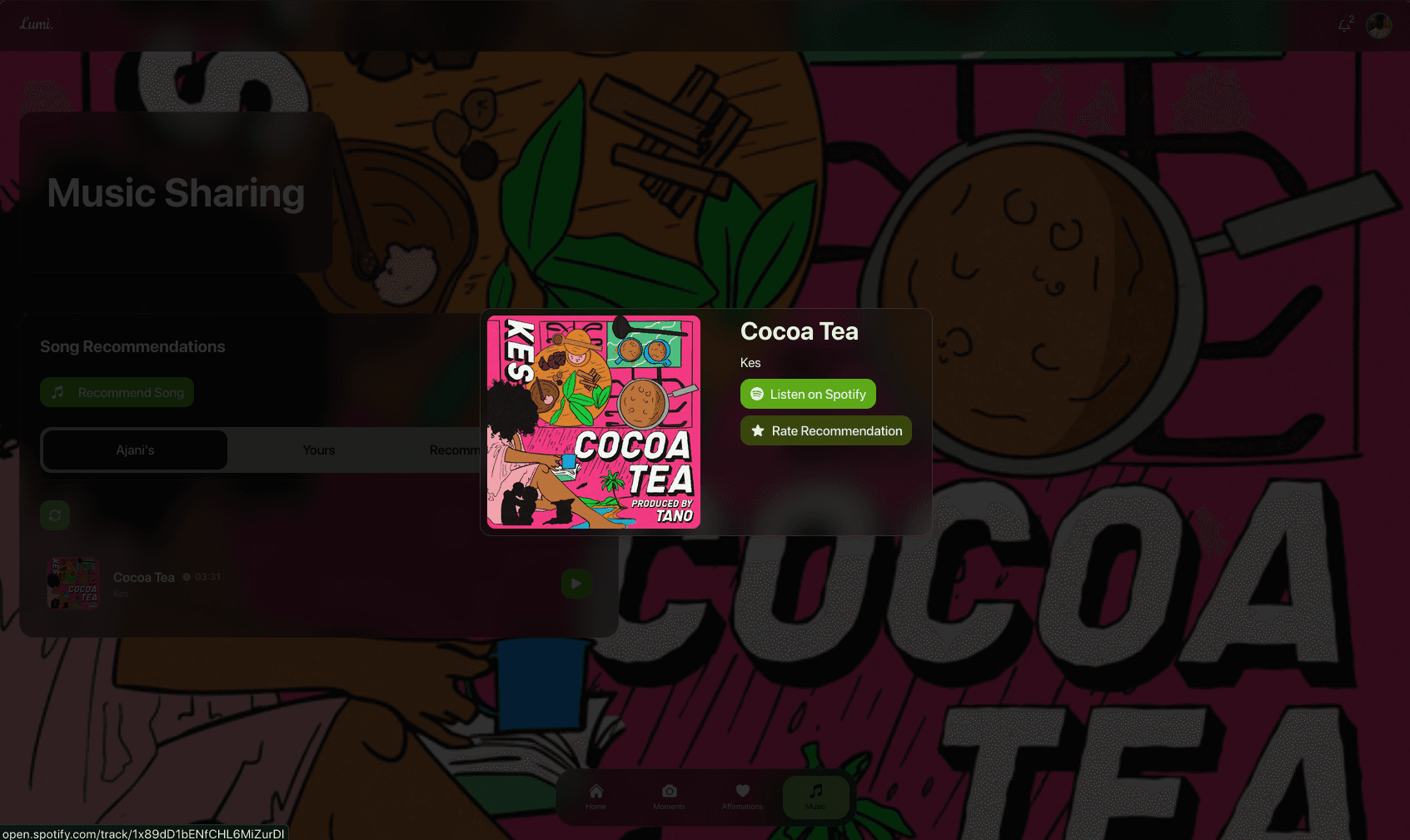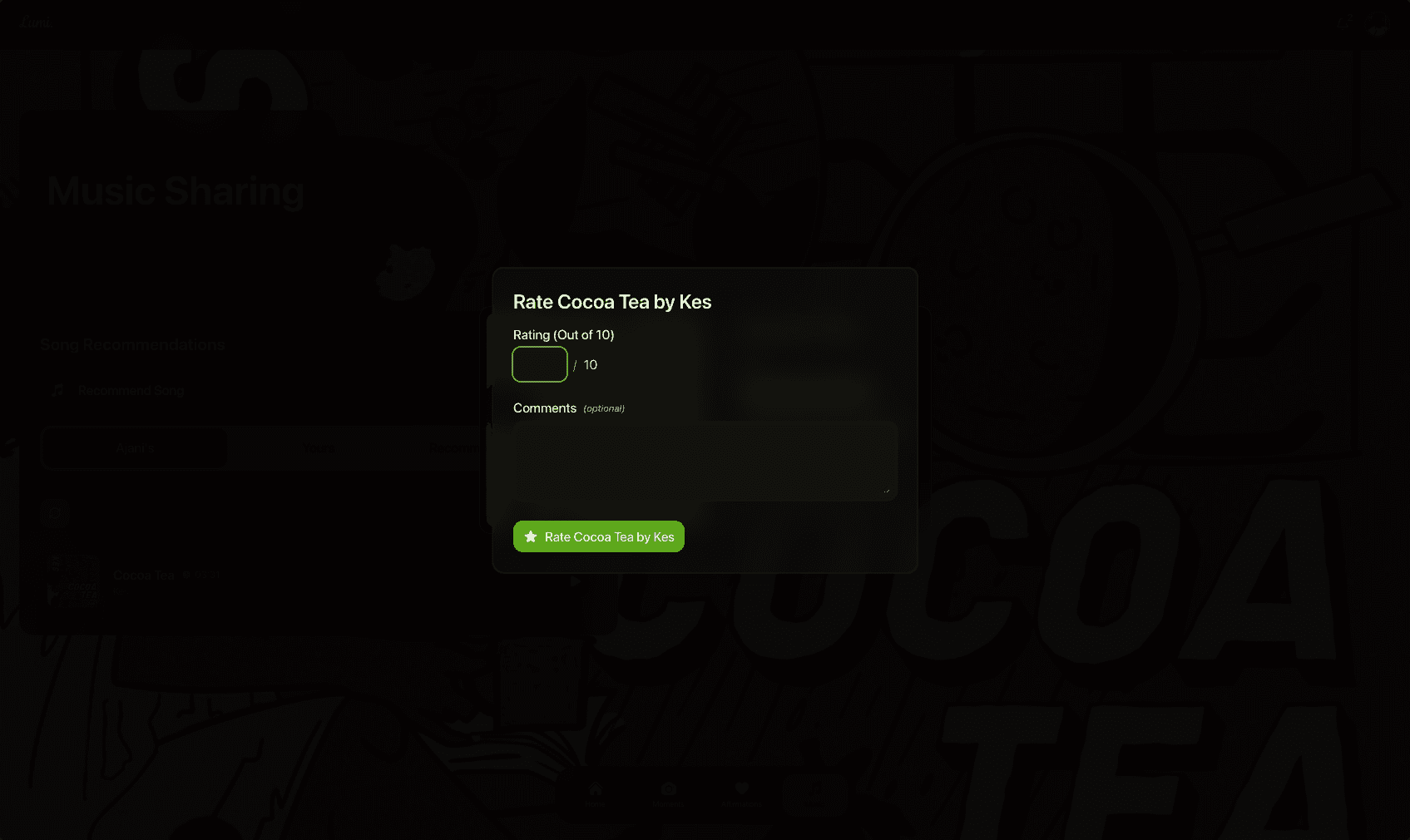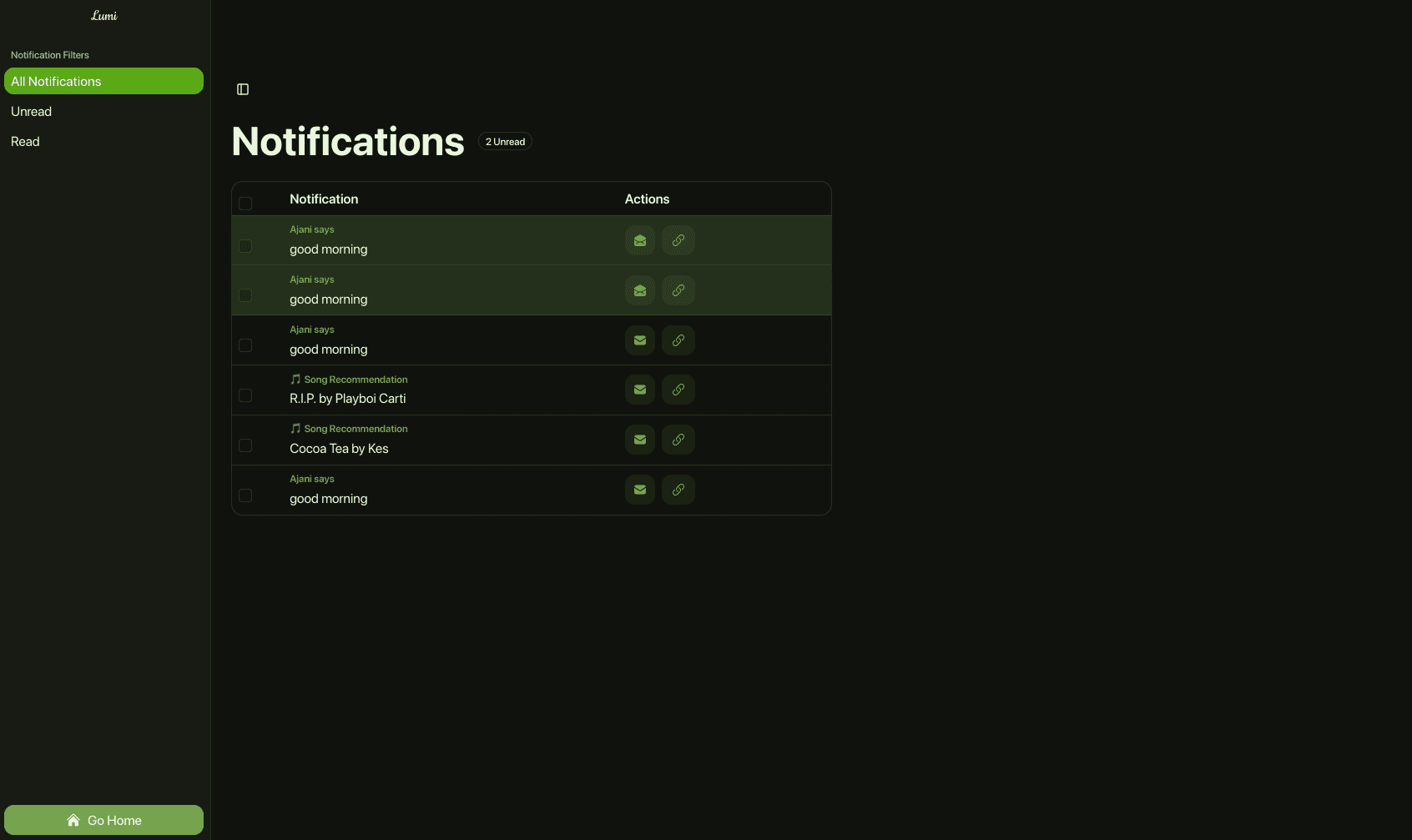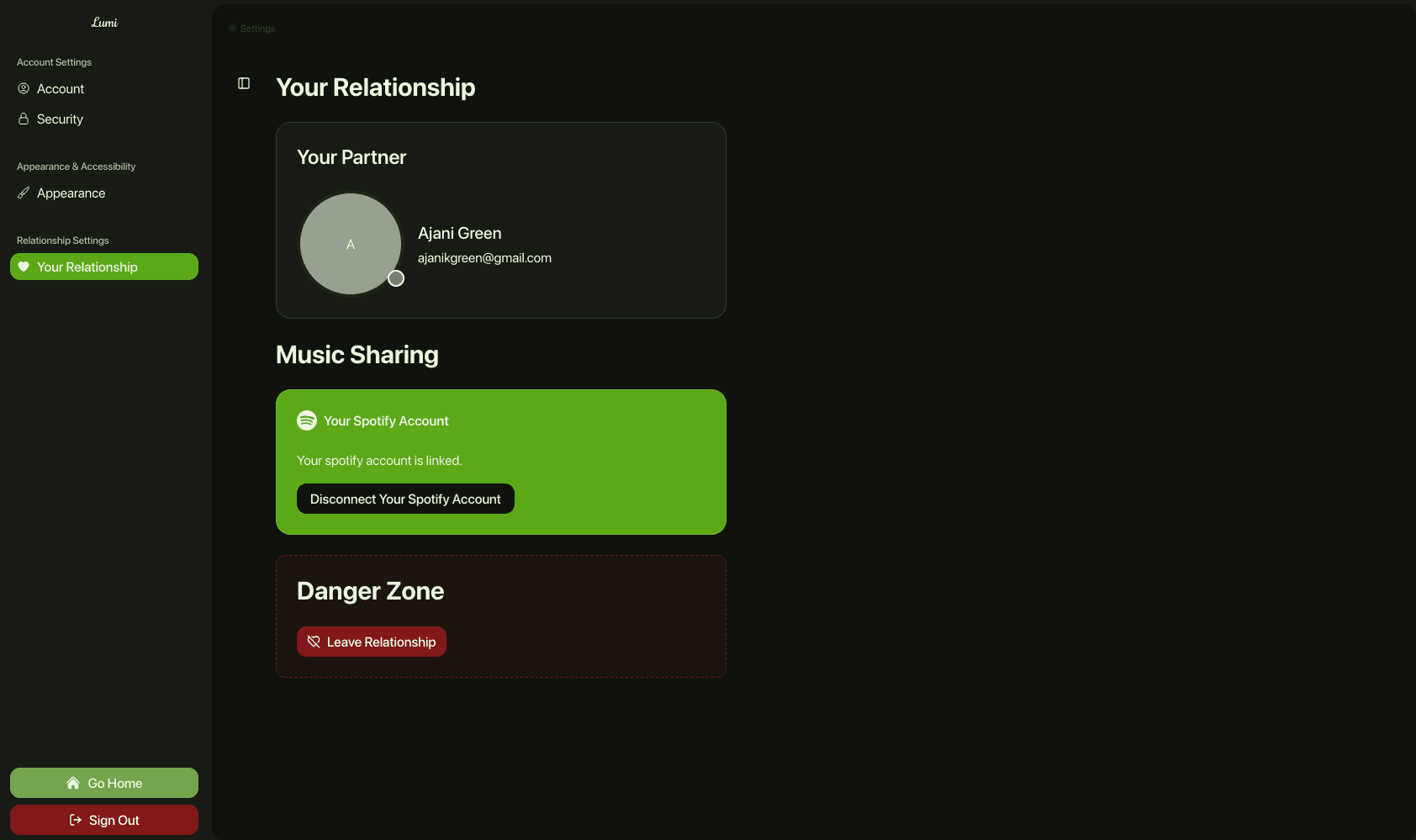
Lumi was conceptualized as a comprehensive, standalone platform designed to deliver scheduled content, manage media recommendations, and facilitate seamless real-time communication. Recognizing the value of dedicated, interactive digital spaces, I built Lumi from the ground up to be a robust, highly scalable application that handles multimedia sharing and instant presence tracking.
The Concept
Lumi is a collaborative space for users that provides scheduled content delivery, a platform to share videos (“Moments”), and a song recommendation/rating platform integrated with Spotify. Lumi also provides real-time notification and messaging capabilities so no action in the space goes unnoticed.
The Infrastructure
Now that all of the preamble is out of the way, let's get to the real meat of the matter: the infrastructure. How did I architect Lumi's complex infrastructure?
One thing I knew for sure was that I didn't want to manage my infrastructure at the operational level, so I utilized a full serverless infrastructure withAWS. Below is a high-level diagram of the various tools and services used in Lumi's infrastructure.
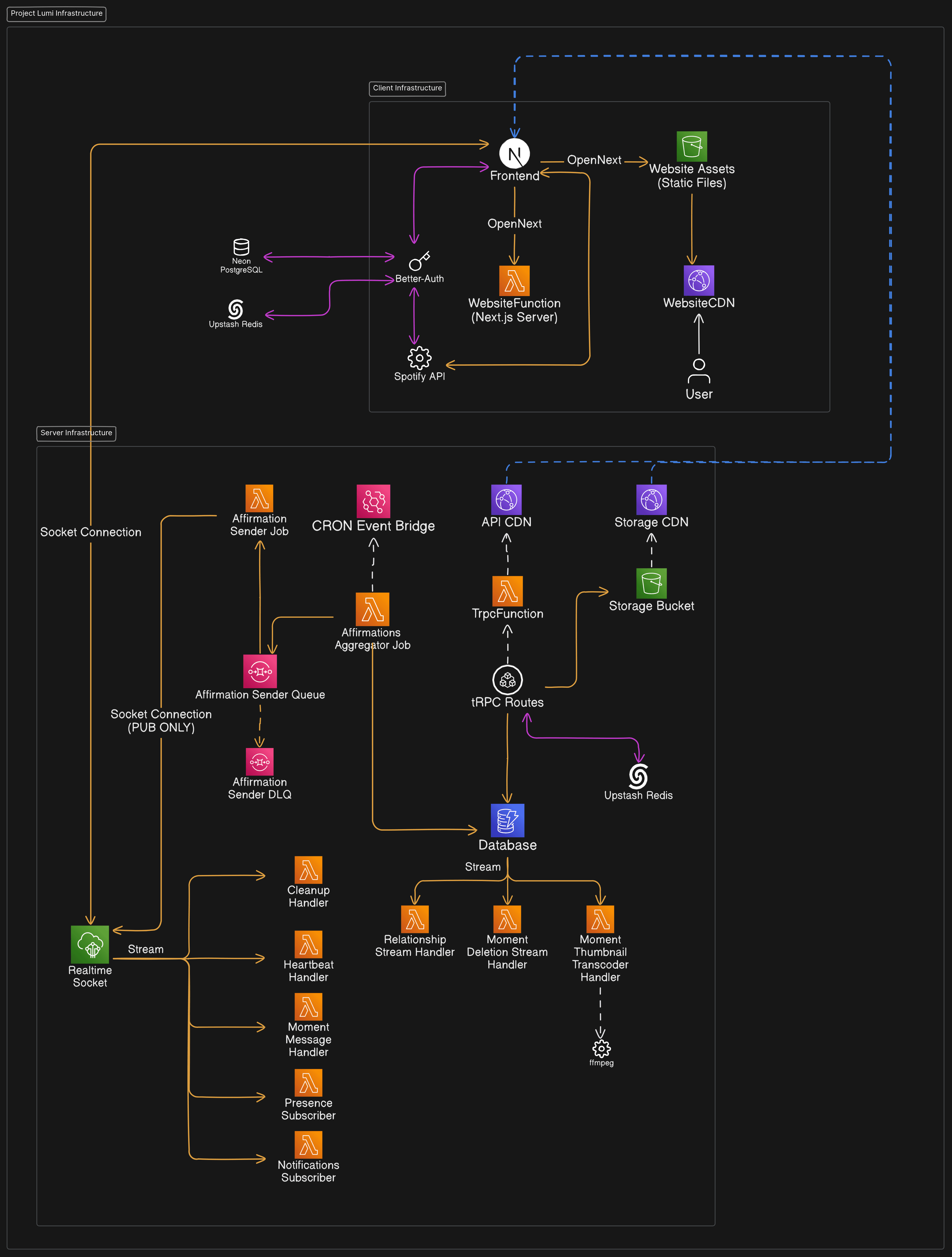
From the diagram, we can see two main components of the infrastructure. We have the client infrastructure and the server infrastructure. Let's take a deep dive into both of them.
The Client Infrastructure
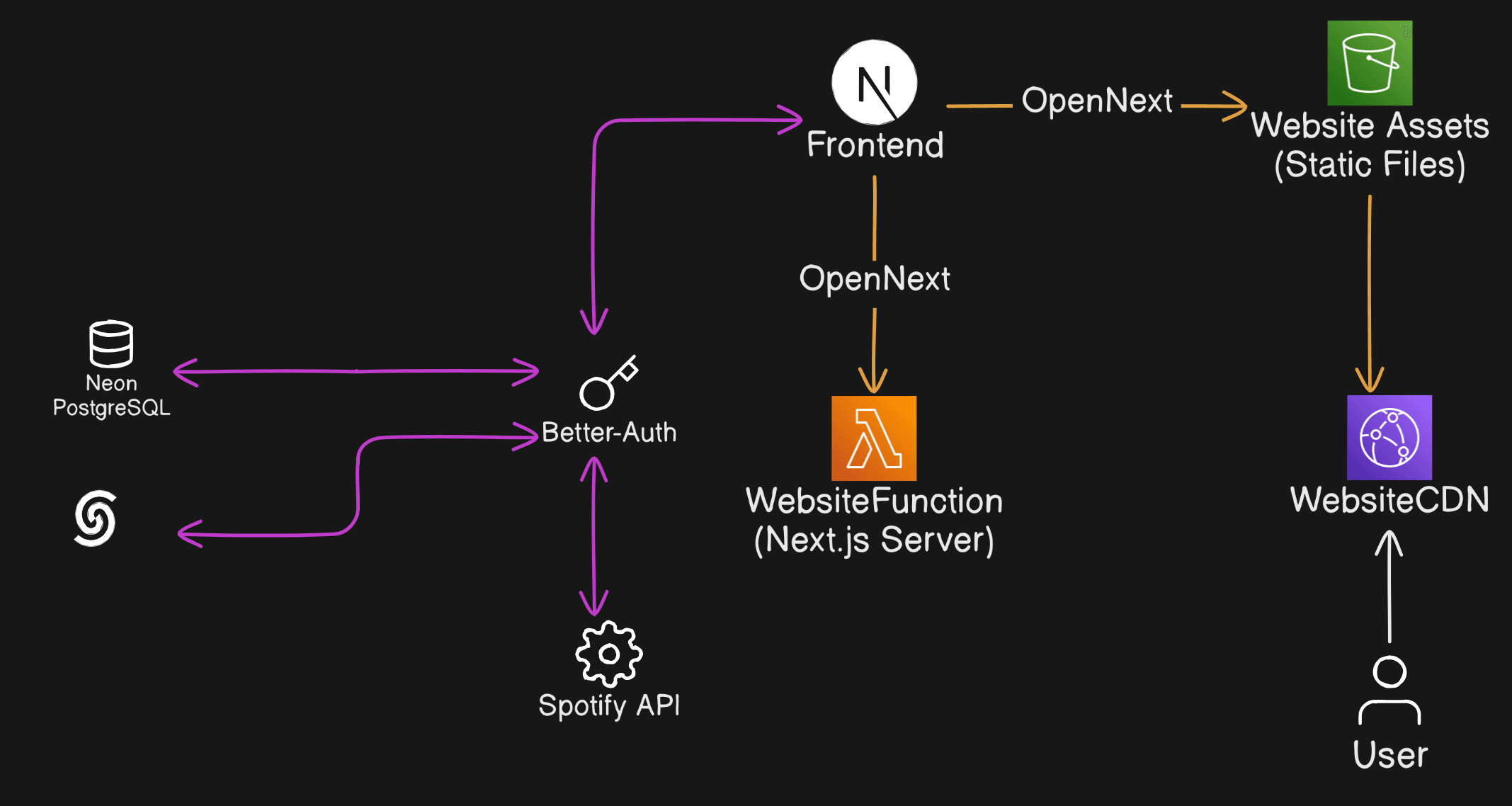
On the client, a user will type in the domain to the app which hits the Content Delivery Network (CDN) powered by AWS CloudFront. The CDN either delivers the cached page or fetches the page from the origin stored in an AWS S3 bucket. The S3 stores all the static files for the website, so all the HTML, CSS, JavaScript and anything in the public folder. If the user hits a dynamically loaded page, they will need to talk to the Next.js server. That's where the WebsiteFunction Lambda function comes into play. The CDN will deliver the initial HTML, CSS and JavaScript and the browser will execute the JavaScript needed to contact the server to load all the dynamic content. All of this modularization of Next.js is handled by a bundler known as OpenNext, which specializes in creating portable builds of a Next.js project that can be hosted on serverless providers such as AWS, CloudFlare and others.
On the application layer (as I like to call it), we can see a few external services. For authentication, I chose to use Better-Auth. I have found that it's a favourable middle ground between something managed like Supabase and something that gives you full control like Next-Auth. I integrated Spotify's OAuth with Better-Auth to allow users on the platform to link their accounts with their Spotify accounts to use the Spotify API from the website. One limitation of using Better-Auth was that it couldn't store users in a DynamoDB table, which is what Lumi uses. I had to spin up a serverless PostgreSQL instance using Neon. Finally, I integrated Redis through Upstash to allow for secondary storage, allowing the client to quickly fetch and store sessions.
The Server Infrastructure
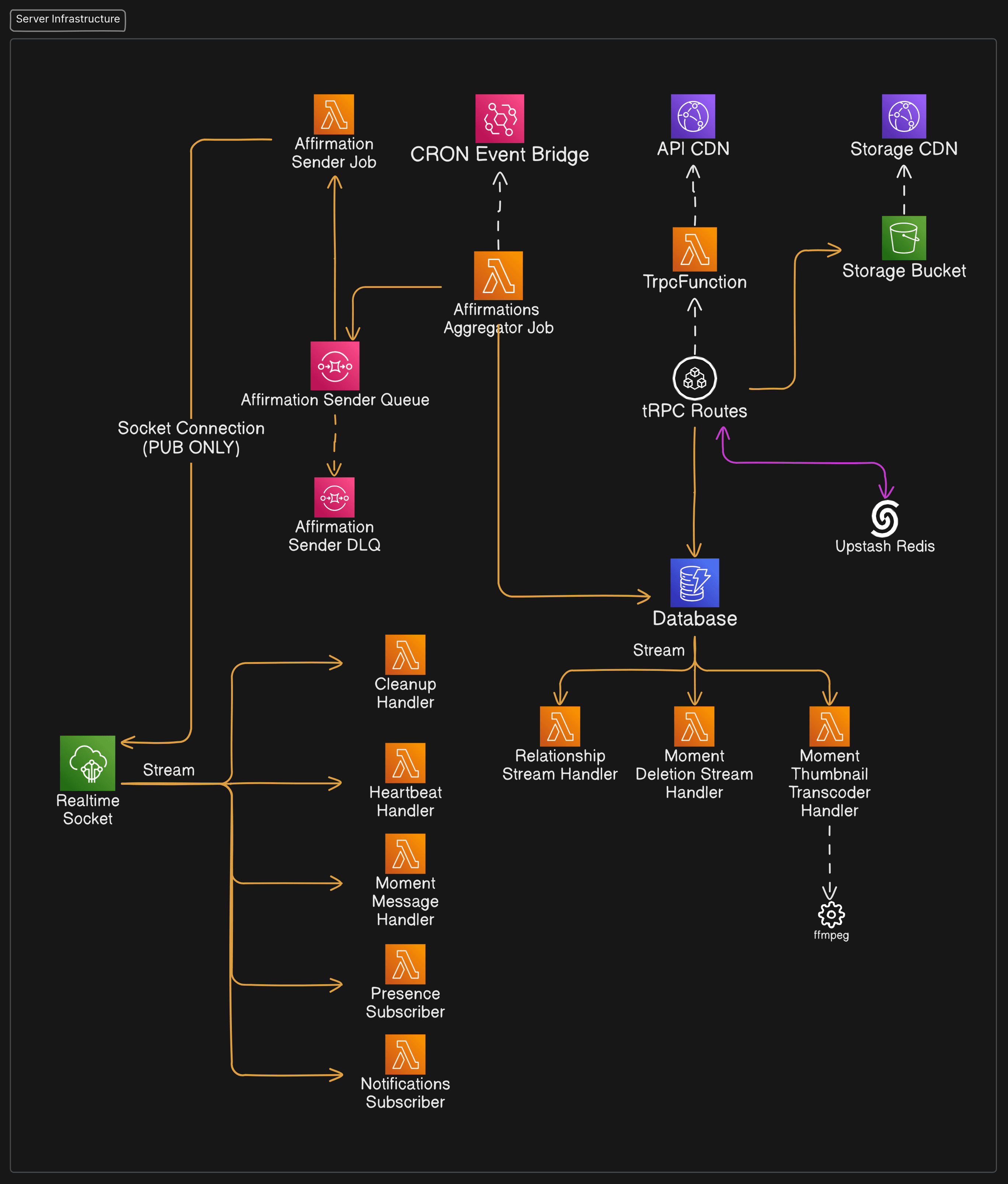
On the server, there are quite a few microservices. The first thing I'll talk about is the API. The API is written using a library that utilizes RPC (Remote Procedure Call) called tRPC. It lives on a monolith Lambda function that is used to handle whatever route a user may want to fetch. The Lambda function has a URL so users can communicate with the function directly without the use of a gateway service such as AWS API Gateway. The function is also behind a CDN to bring the API closer to the user, reducing response times. There's also a link to the Redis cluster to allow for rate-limiting for some routes.
Object Storage
From the diagram, we can see that the tRPC routes utilize a new S3 bucket, separate from that which stores the files needed for the client. This bucket stores all the videos, thumbnails and other user-related file content. The bucket is also behind a CDN, and as such, objects in the bucket will be inaccessible if a user tries to retrieve them from the bucket directly. Meaning, they must use CDN to fetch all objects. The bucket CDN has a special behaviour for objects deemed private. Any objects with a prefixed object key of private/ must be retrieved through asigned URL. This is a security measure that ensures any objects uploaded in a shared user context stay strictly within that isolated context.
There are further restrictions placed on these signed URLs, such as they expire within an hour. There were also some performance improvements made concerning the generation of these URLs. Since generating a URL requires an API call to AWS, it would be quite expensive to call the API every time I want a URL even though the generated URL expires in an hour from creation. To address that, I simply cached the generated URL for the object key in the Redis cluster and performed a simple cache-hit-miss when attempting to generate the URLs.
Uploading objects to the content bucket follows a similar signed URL strategy. But instead of doing it through the CDN, users are given a link to upload to the bucket directly.
The Database
The next big server-side service is of course the database. Lumi primarily uses DynamoDB as its database provider and utilizes a single table design. There is heavy reliance on partition and sort keys and Global Secondary Indexes (GSIs). All of the data users can interact with is stored in this table. There are also a few streams that are triggered on some events for some specific keys. These include the connection stream handler, moment deletion stream handler and the moment thumbnail transcoder handler.
The connection stream handler is used to handle user connection deletions. Every time a connection is deleted, the streaming subscriber (a Lambda function) is invoked and proceeds to delete all the information related to that specific connection.
The moment deletion subscriber does something similar to the connection stream handler. It just deletes all information relating to a moment upon its deletion.
The moment thumbnail transcoder listens for an insert event for a moment. Once an event comes in, it starts creating a thumbnail using FFMPEG and stores the resulting file in the same location and the moment in the S3 bucket.
CRON Jobs
Doing things at specified points in time or specified intervals at the infrastructure level is a crucial part of Lumi's concept.
Scheduled content updates are sent out daily at a specified point in time. This is handled by AWS EventBridge and a CRON abstraction provided by SST. EventBridge will send a notification to a subscriber (the Content Aggregator Job) when it is time to send out updates. The job of the aggregator is self-explanatory. All it does is collect all the user connections that are due for a scheduled update. Once they have all been collected, they are then sent to an AWS SQS Queue (Content Sender Queue) to send out the notifications to the users. Once an item in the queue is ready to be processed, the message is sent to the Content Sender Job function. The function extracts the connected users and selects the appropriate content (with heuristic probabilistic bias) to send to them (if any). The job then determines how to send the notification to the user. If the user is online, the job will just send a Web Socket message notifying the user of the update which will then be handled by the client. If they are offline, the job will send the notification through the push notification services the user has subscribed to. If any jobs fail, they will be retried for a maximum of 3 times. If it fails a fourth time, the message is sent to the Dead Letter Queue (DLQ) for further inspection.
CRON is also utilized for “warming” certain Lambda functions. Sometimes Lambda functions suffer from increased response times due to “cold starts”. This is where an instance has to be booted up and loaded with all the code needed to execute the function. To combat this, developers came up with the idea of keeping Lambda functions “warm” by invoking them in a specified interval of time. Lumi keeps the tRPC and Next.js functions warm by invoking them once every 5 minutes.
Real-Time Communication (RTC)
Real-time communication is achieved in Lumi using AWS IoT Core and is primarily used for notifications. Several subscribers handle different messages from different topics. I'll talk about a few of them.
The Presence Subscriber function is what handles updating a user's presence in the database. A user can either be online, idle or offline. There are certain event listeners and triggers on the browser that will send a notification through the web socket. This function is what takes the payload and updates the database.
The Moment Message Handler function is what saves a moment message to the database.
Conclusion
All-in-all Lumi was a very ambitious project with several components that took blood, sweat and tears to develop. It gave me vast experiences with serverless computing and AWS, real-time communication and PWA/Mobile app development. Building a platform of this scale from scratch has solidified my expertise in building resilient, modern web applications, making it one of my most successful and comprehensive technical projects to date.